Picture a customer typing “plumber near me” or “best pizza in town” into their phone. Before any website appears, Google shows a map and a short list of local businesses. That is the local pack, and for most local businesses it is the most valuable spot on the internet.
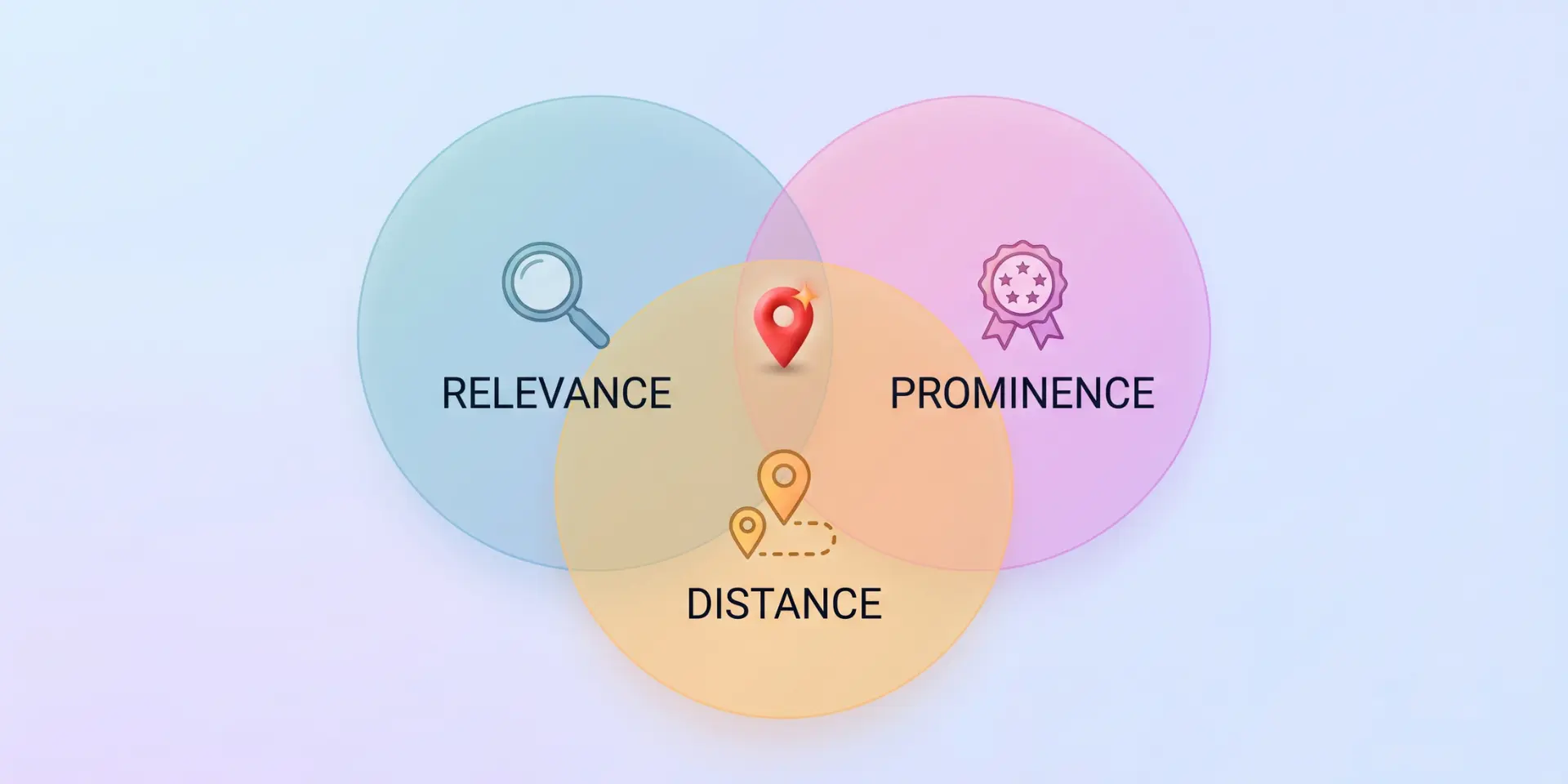
But here’s the thing: landing in that list doesn’t happen by luck. Google has said local results are based mainly on three factors: relevance, distance, and prominence. You can’t change where the searcher is standing, but you can strongly influence the other two.
In this post, we’ll walk you through 10 practical steps to rank in Google Maps, from setting up your Google Business Profile to earning reviews and tracking your results.
So, without any further ado, let’s get started.

Let us discuss the steps to rank your local business in Google Maps and the local pack.
Before you change anything, it helps to know the rules. Google explains that local results are based mainly on three factors:
Relevance: How well your profile matches what the person searched for. A complete, accurate profile helps Google understand what you do.
Distance: How far your business is from the searcher, or from the location they typed into the search.
Prominence: How well known your business is. This comes from information across the web, such as links, articles, directories, and your review count and score.
Google also states that you cannot pay for a better local ranking in the organic results. That means every step below is about earning your spot.
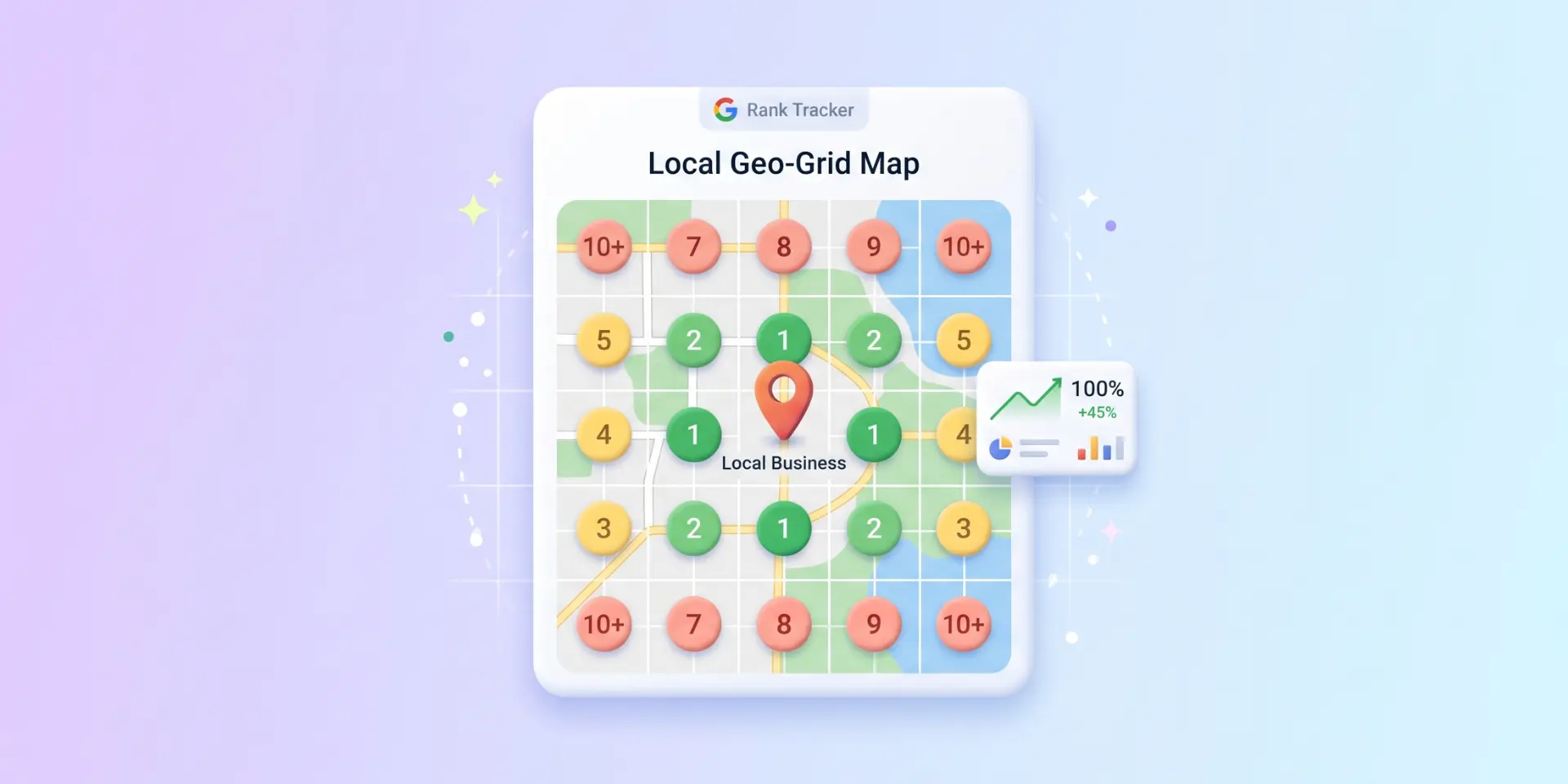
Because distance matters, your ranking will change from street to street. That’s normal. We’ll cover how to measure it in Step 10.
💡 Refer to our dedicated tutorial on local SEO for small businesses to see how Zivdesk builds a full local visibility plan.
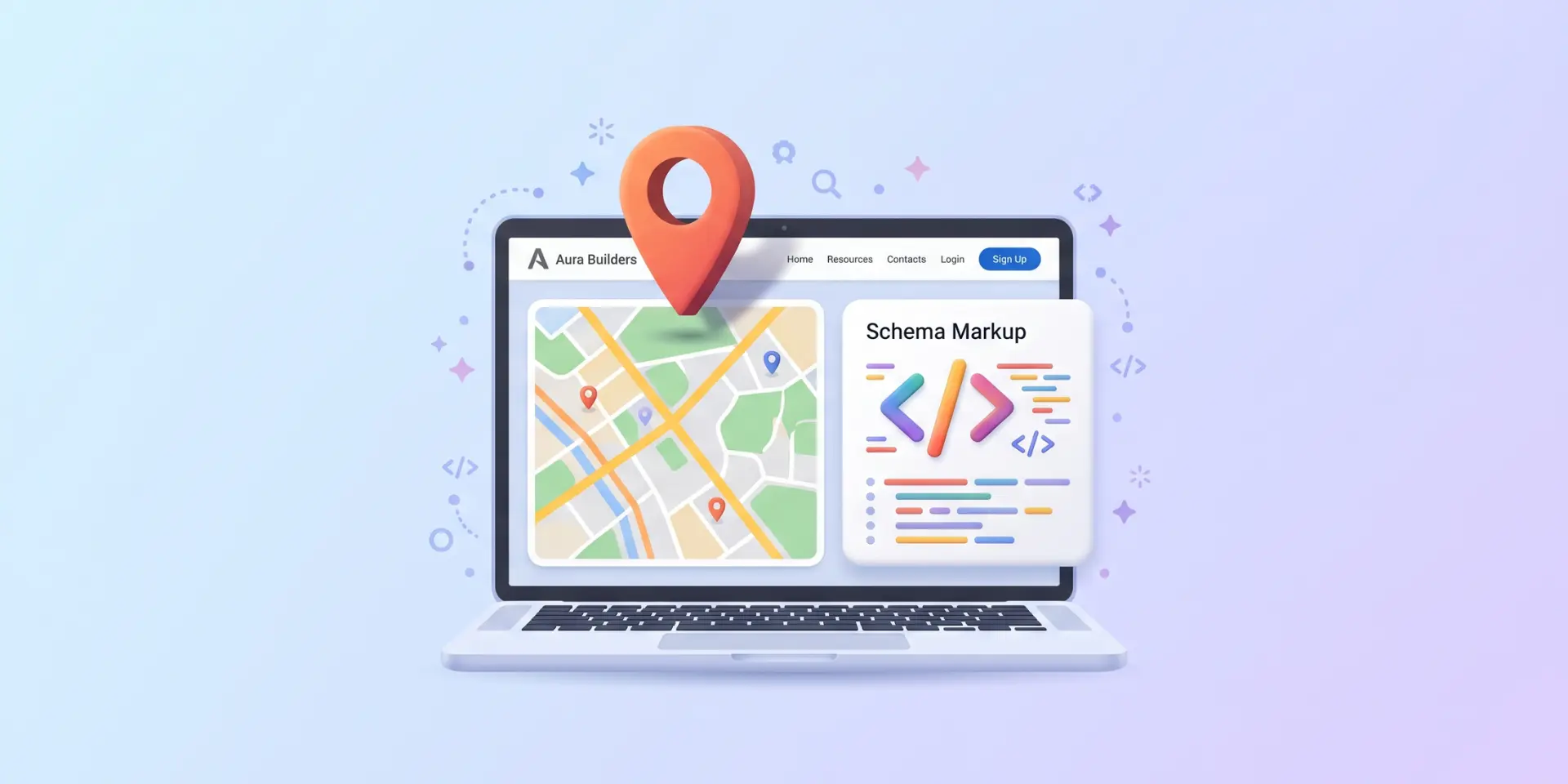
Your Google Business Profile (GBP) is the foundation of Google Maps ranking. It’s free, and it controls how your business appears in Search and Maps.
Go to business.google.com (or search for your business name while signed in to Google) and follow the steps to claim or create your profile.
Use your real business name. Match your signage and branding. Adding extra keywords or city names to the name field can get your profile suspended.
Add your address. If you visit customers instead of hosting them (like a plumber), set up a service area and hide your street address.
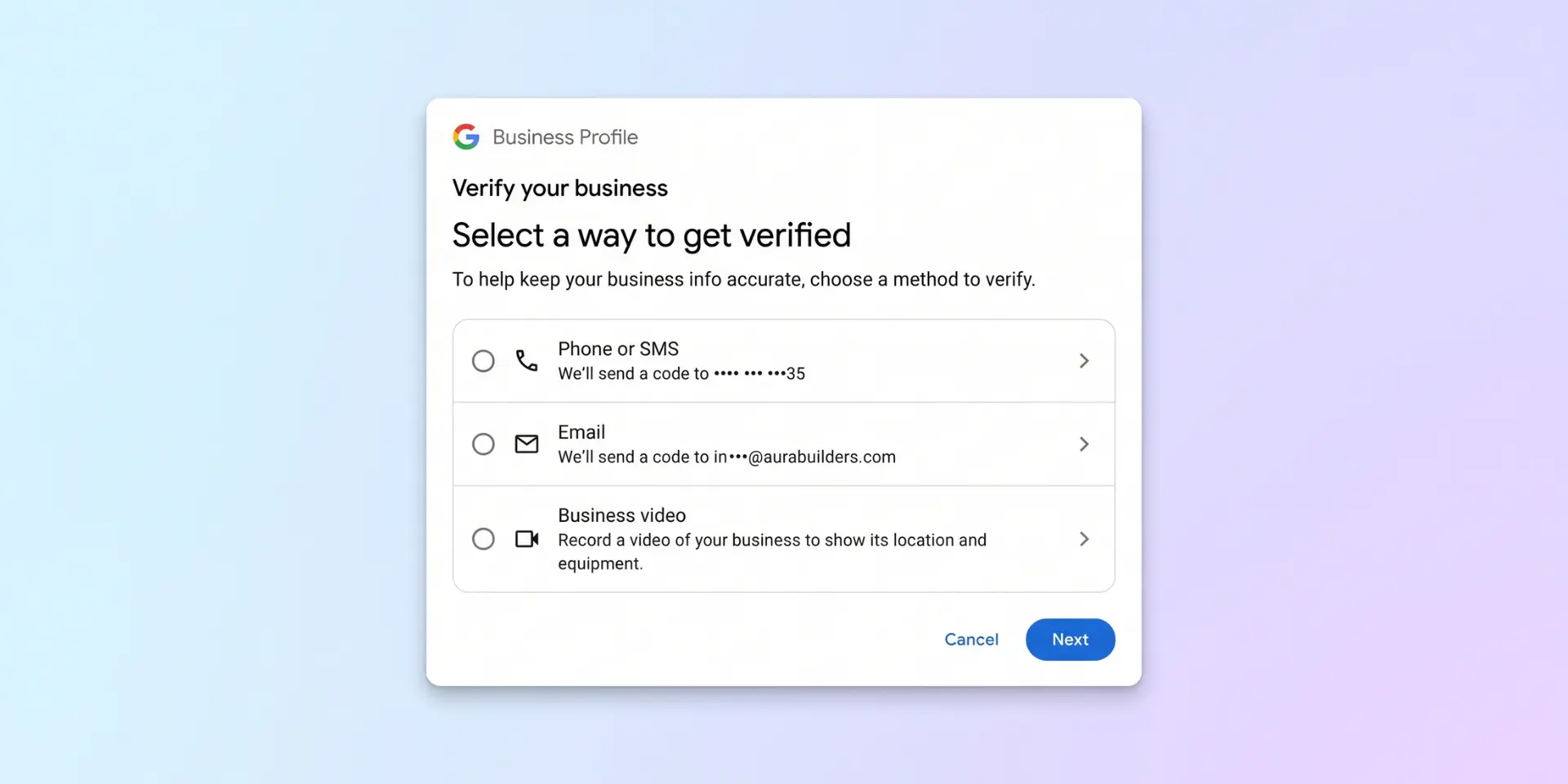
Verify. Google will offer verification options for your business, such as phone, email, or a short video. Options vary, so follow what you see.
One profile per location. Don’t create duplicates, because they can confuse customers and Google.
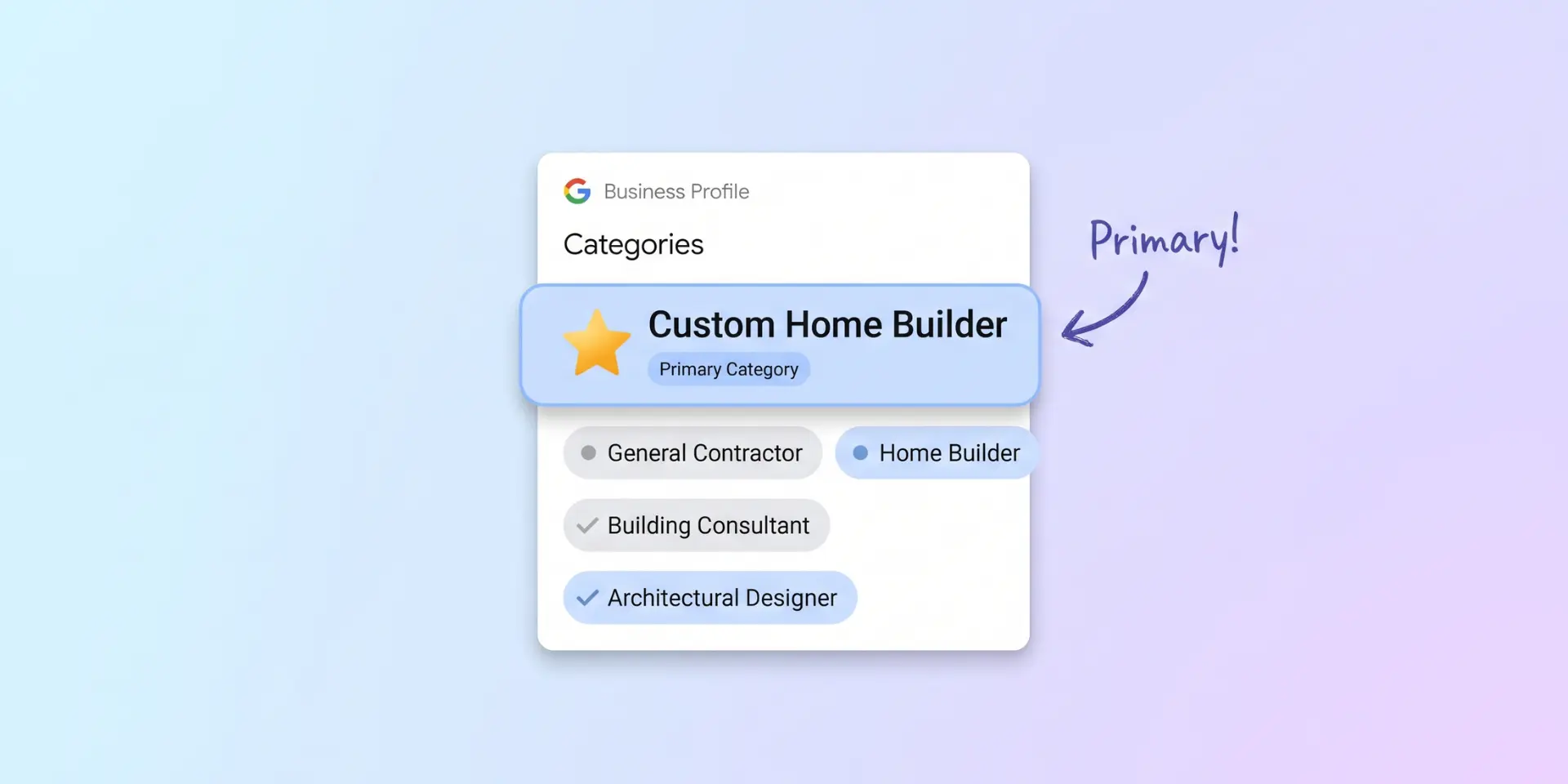
Categories tell Google what your business is. Your primary category is one of the most important settings on your profile, so choose the one that best describes your main service, not a general label.
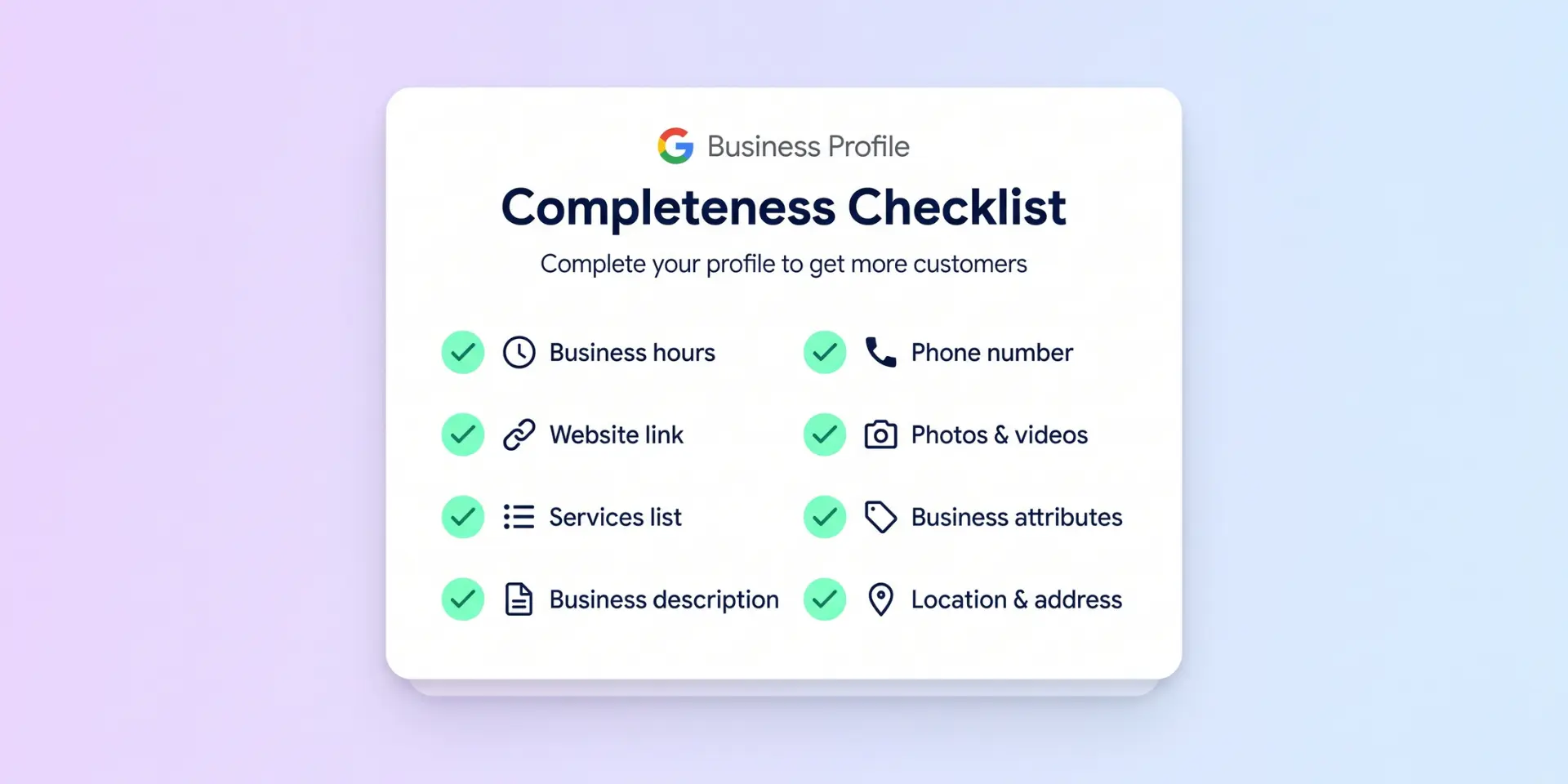
Complete profiles give Google more to work with and give customers a reason to choose you. Go through every field:
Google has also retired the public Q&A feature on profiles and introduced Gemini-powered features such as Ask Maps. These tools can answer questions using information businesses and customers have shared, so accurate profile details matter even more.
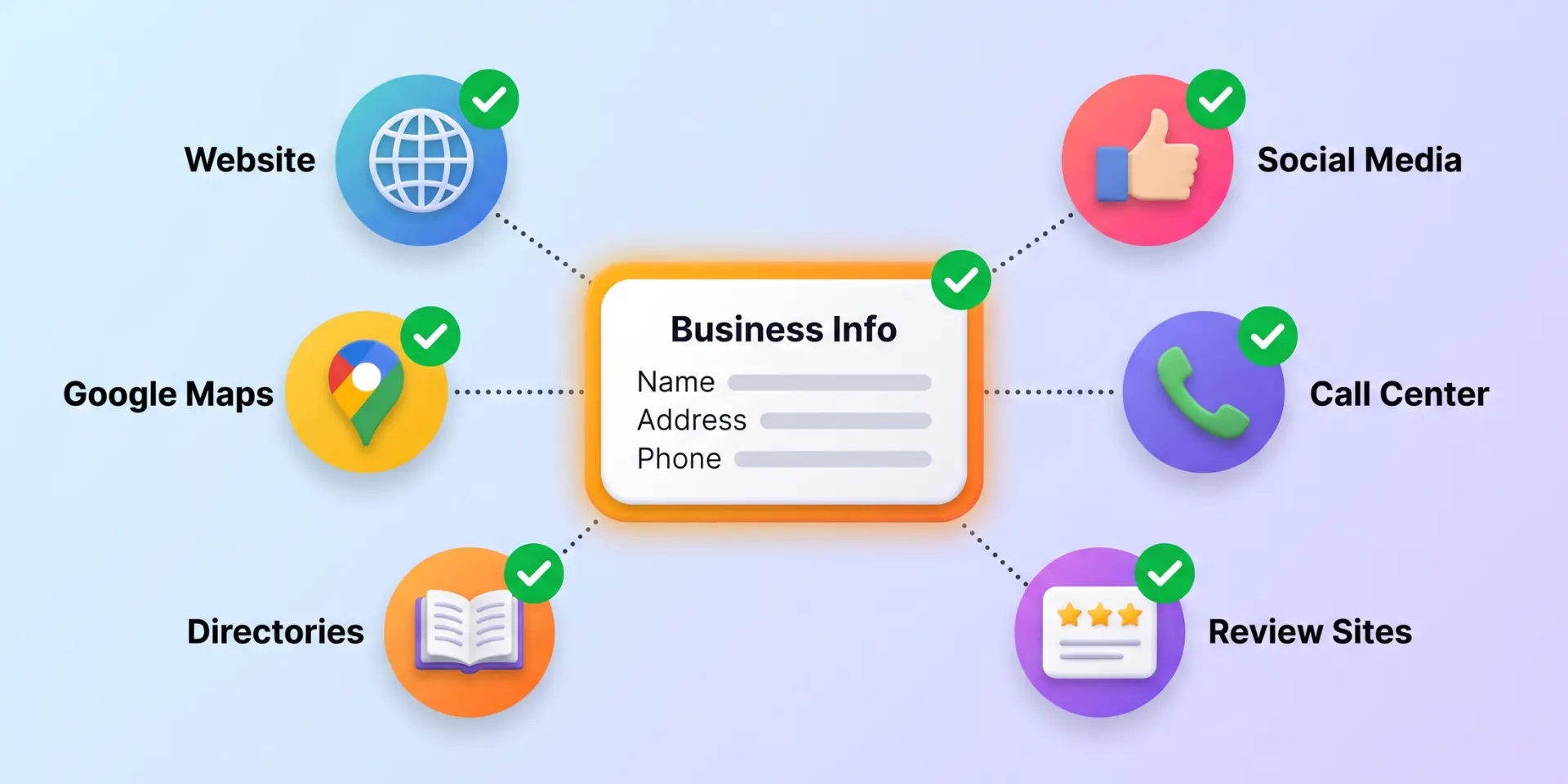
Your name, address, and phone number (often called NAP) should be the same on your website, your GBP, and every directory that lists you. Mixed-up details confuse customers and search engines and can weaken your prominence.
Start with the big ones: your website, Facebook, Yelp, Apple Business Connect, Bing Places, and the top directories in your industry.
💡 Refer to our dedicated tutorial on fixing local business listings to clean up your citations the right way.
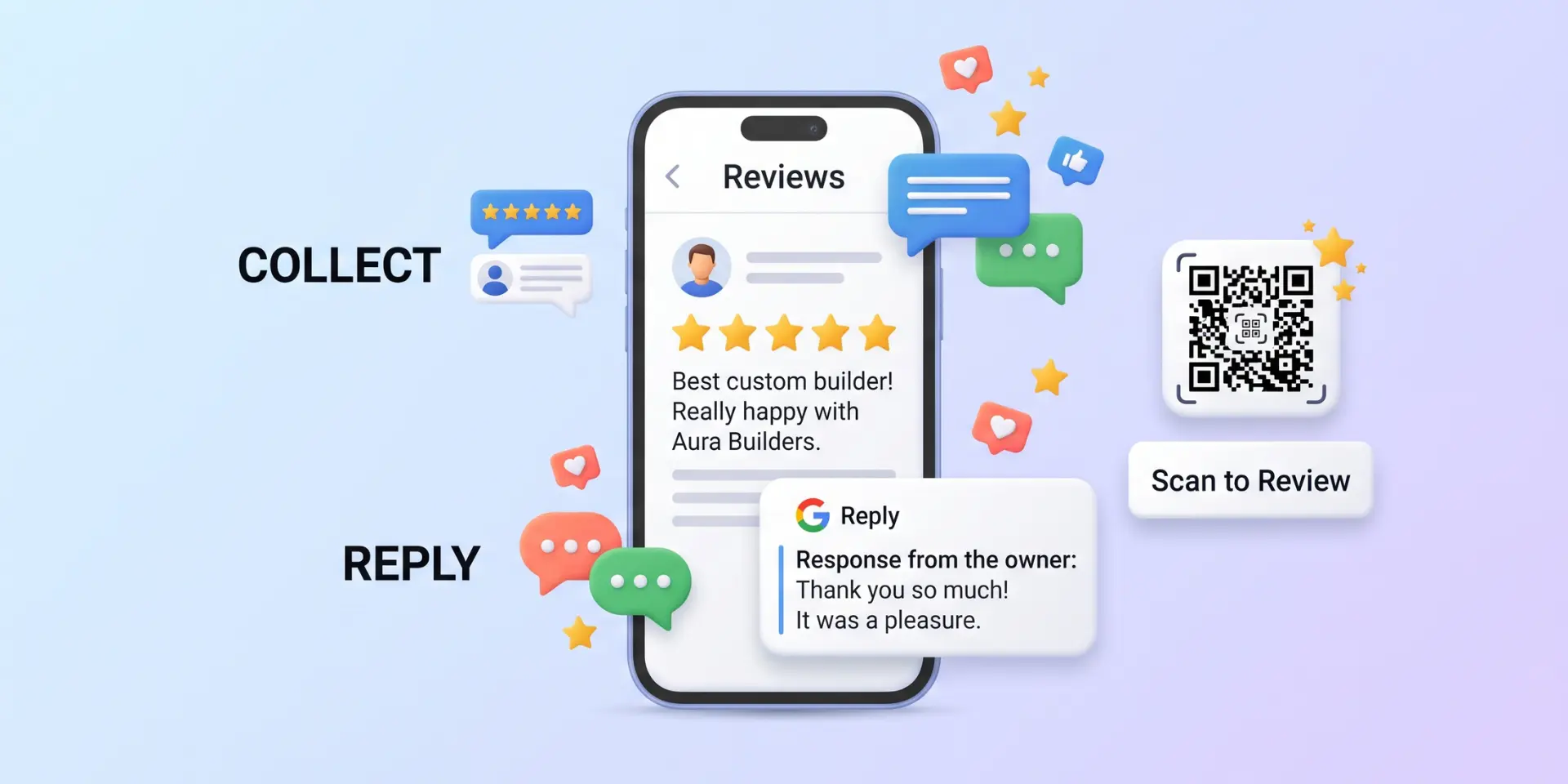
Reviews are a major part of prominence, and customers rely on them. BrightLocal’s 2026 Local Consumer Review Survey found that 97% of consumers read reviews for local businesses, and recent reviews carry extra weight because people want current proof that you’re doing good work.
When customers describe your service in their own words, they naturally mention what you do and where, which also helps relevance.
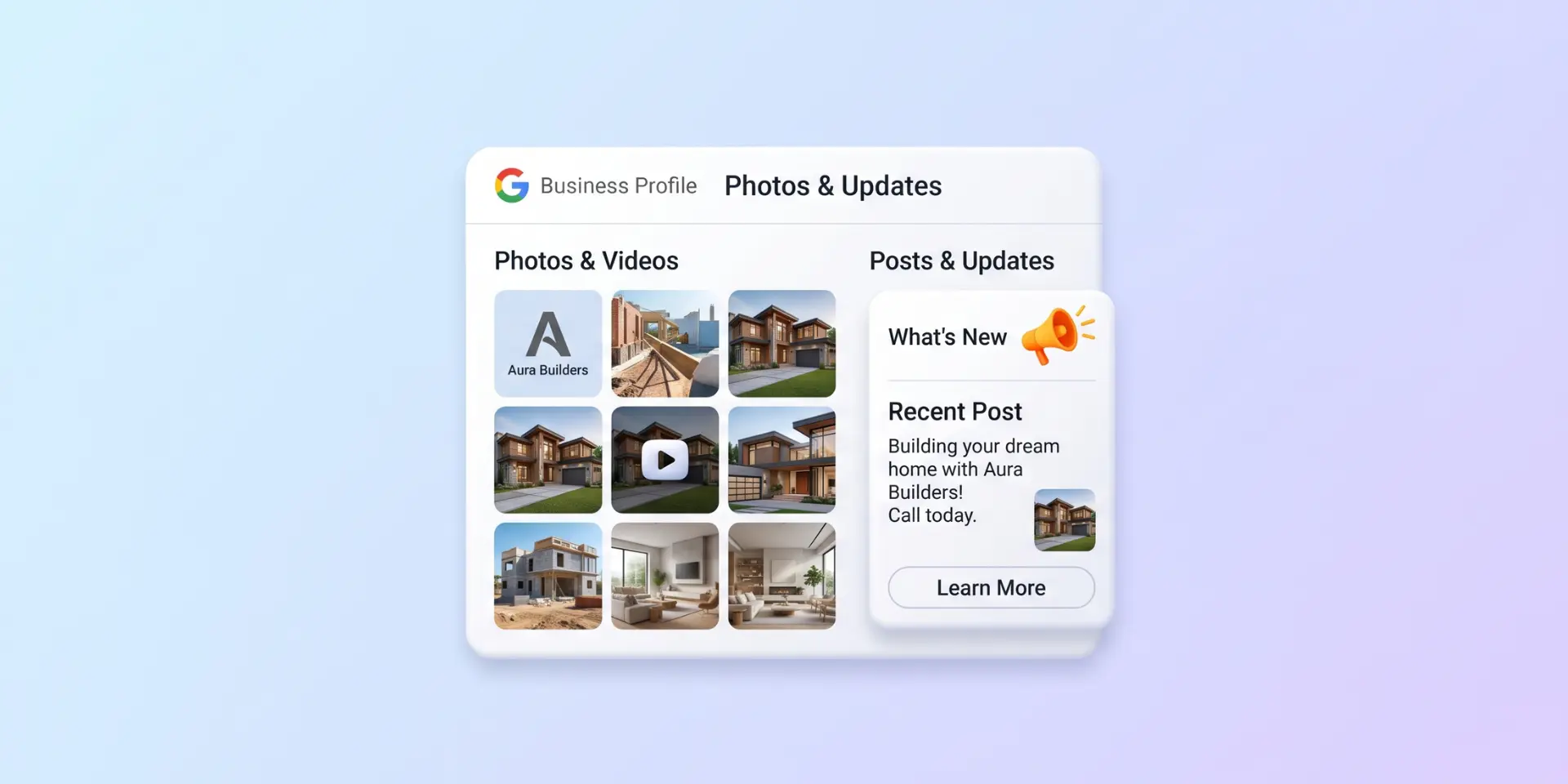
Real photos show customers what to expect and tell them your business is active.
Your website supports your profile, and strong local pages help Google trust that you’re relevant for your area.
💡 Refer to our dedicated tutorial on website design for local businesses to build a fast, lead-focused site.
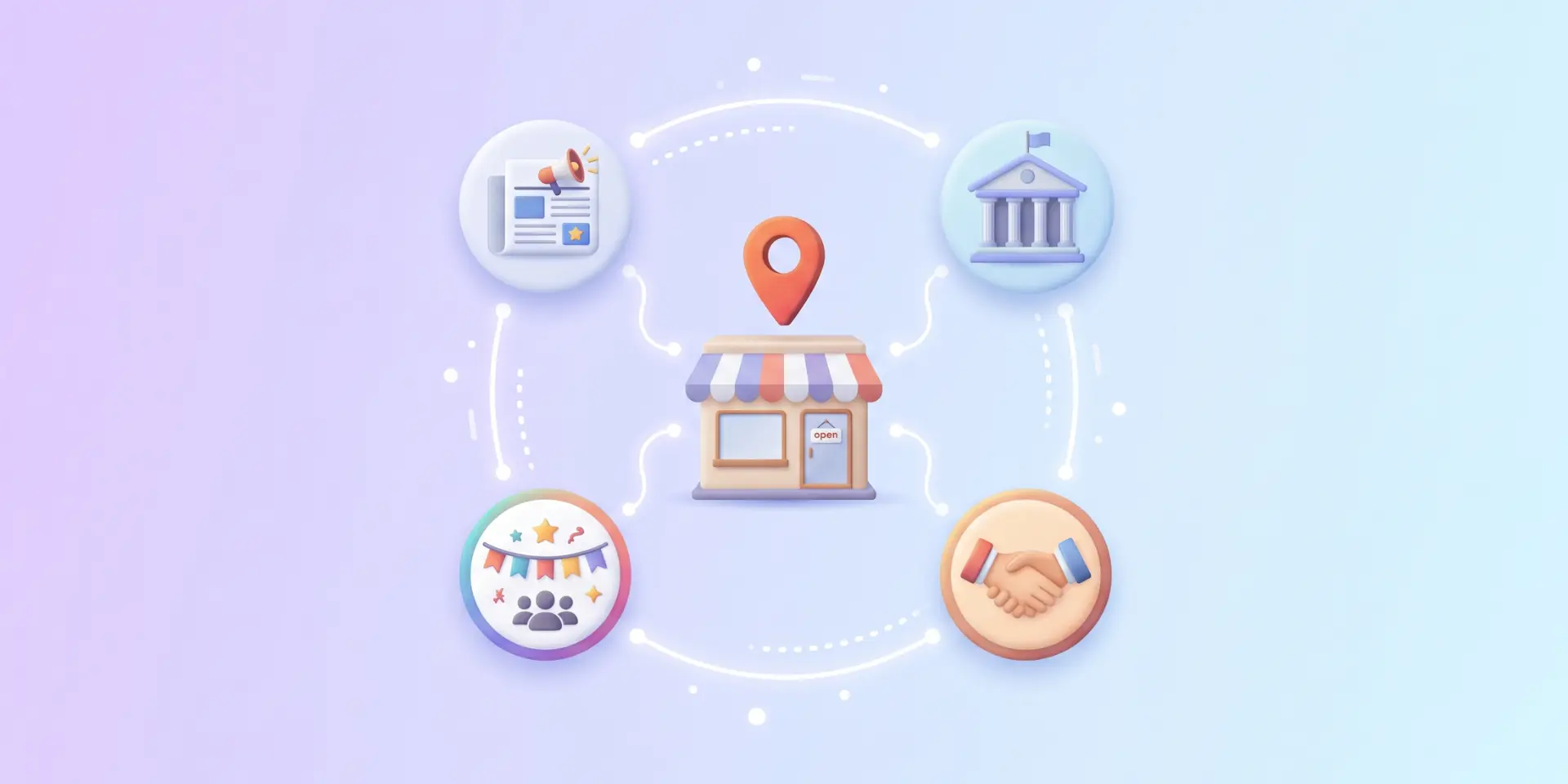
Prominence also comes from what other websites say about you. Earn mentions from places real customers trust.
Focus on quality and relevance. Buying bulk links can harm your rankings.
What gets measured gets improved.
Review your numbers every month, fix what’s slipping, and keep adding reviews, photos, and content.
It varies. You can often see improvement within weeks for less competitive searches, while competitive markets may take a few months or longer. Consistent work on reviews, profile quality, and local content matters most.
No. Google states that you cannot pay for a better local ranking in organic results. Google Ads and Local Services Ads are separate paid options that appear differently.
You can have a profile without one, but a website helps with prominence and gives customers more ways to contact you. Google retired its free Business Profile websites in 2024, so it's best to have your own site.
Distance is one of the three ranking factors. A customer close to your location may see you first, while someone farther away may see a competitor.
Google is adding AI features to Maps and Search, but the basics still apply: an accurate, complete profile, strong reviews, and a trusted web presence. To prepare for AI-generated answers, read our guide on AI visibility for local businesses.
Ranking in Google Maps is not a one-time setup. It’s the result of a complete profile, consistent details, steady reviews, and a website that backs up what you claim.
Start with your profile, fix your listings, and ask for your next review today. Then build from there, step by step.
If you’d rather have an expert handle it, Zivdesk can audit your profile and build a local SEO plan for your business. Get your free growth audit today.
If you like this post, share it with another local business owner.
Notifications